Dawn60 LED Configuration
Configuring Which LEDs
You may seem some LEDs which are unlit when you first plug-in your PCB
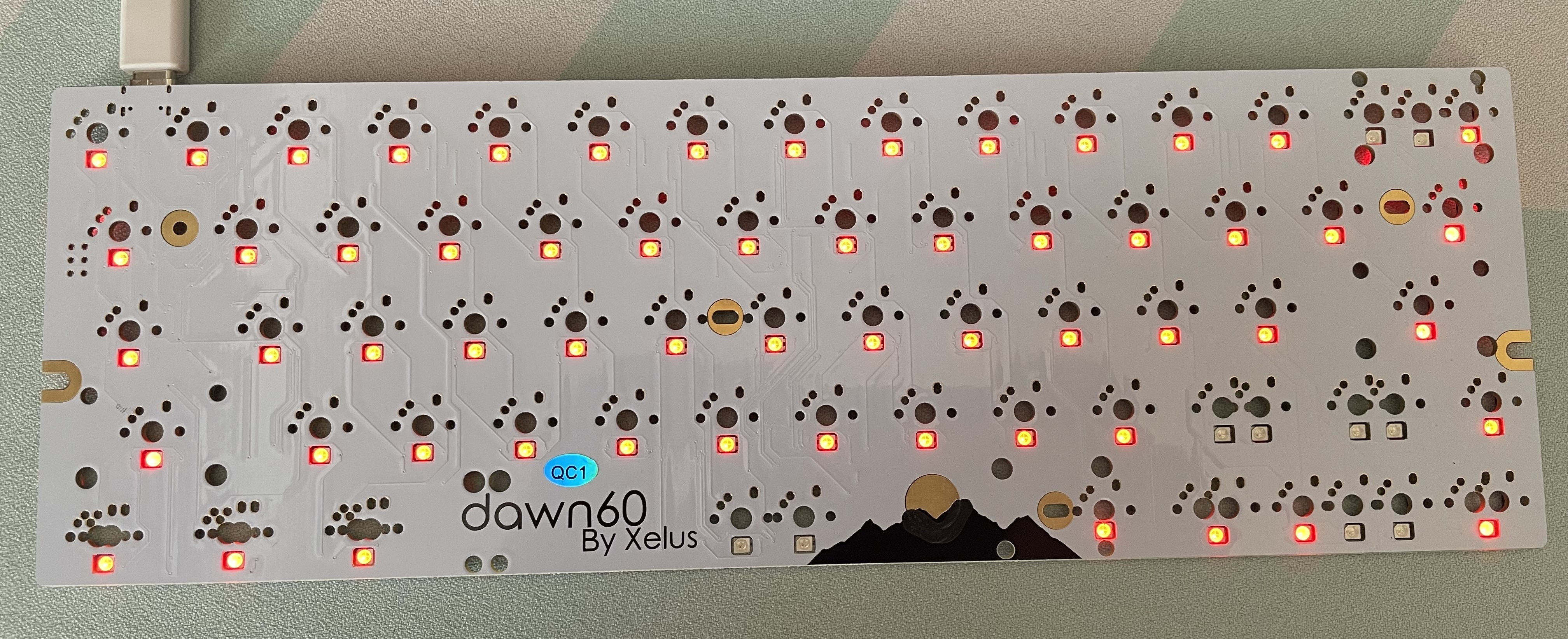
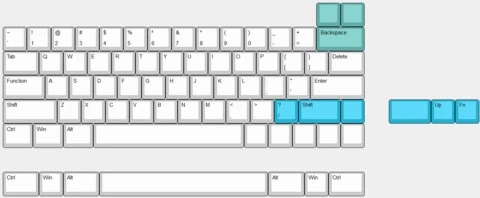
Dawn60 Compatible Layouts:
On the rear of the PCB, you will see multiple JPx pads. These are enclosed within a black bounding box as shown below.
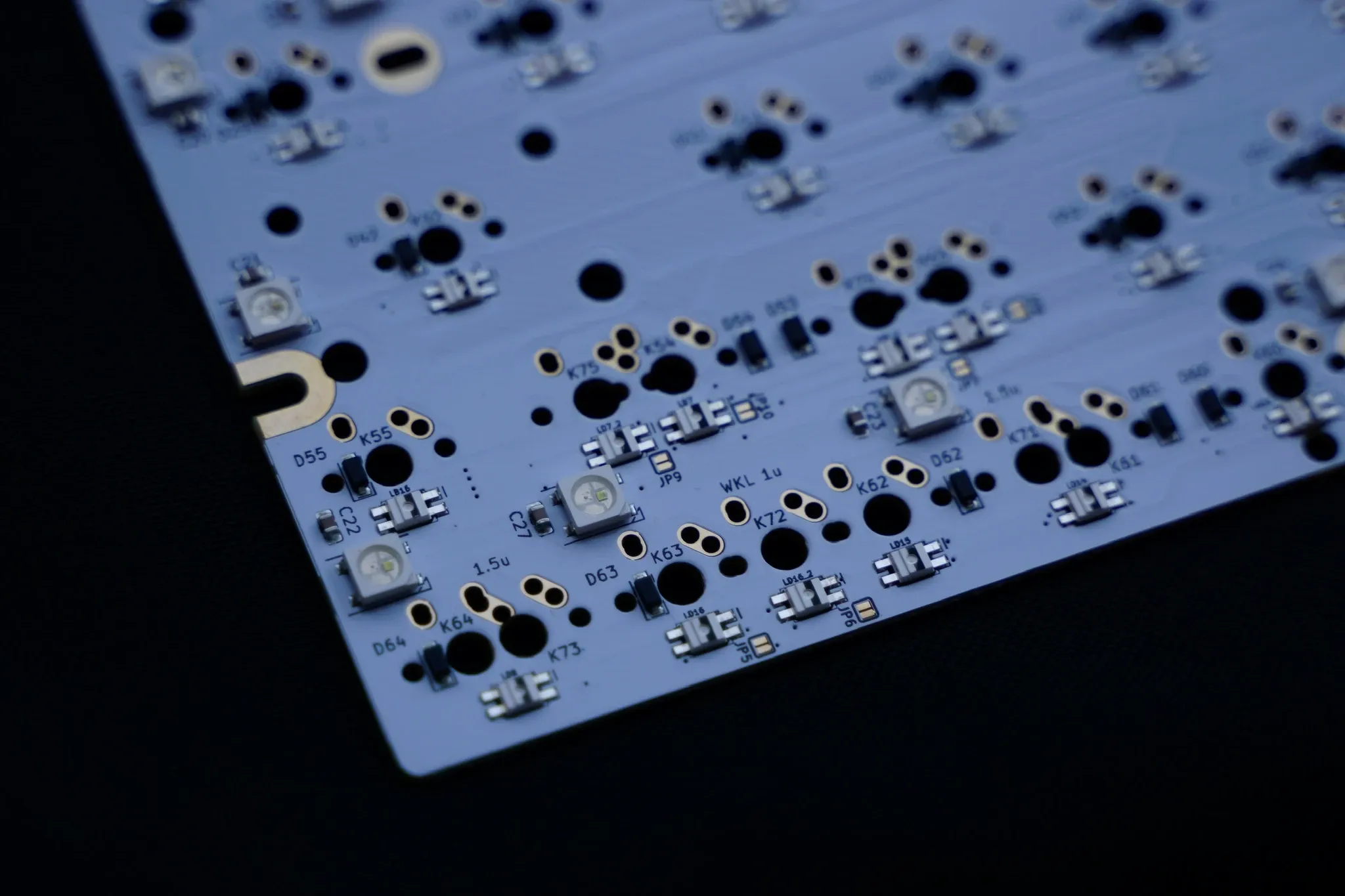
| Configuration | Option 1 | Option 2 |
|---|---|---|
| Bottom Row | 6.25U - JP1, JP5 | 7U - JP2, JP6 |
| Backspace | Split - JP3 | Full - JP4 |
| Right Shift | Normal Split - JP8, JP10 | Arrows - JP7, JP9 |
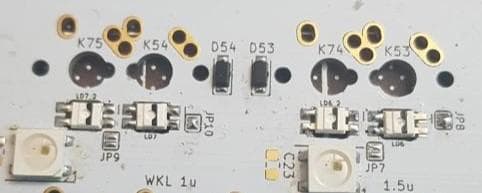
In the image below, JP10 and JP8 are soldered together for a normal split right shift
Note: Please be careful when using the soldering iron as you may touch other components frying them.